



Which crypto exchanges and coins are supported by Cryptohopper?
Cryptohopper supports a wide range of exchanges and brokers. You can always see the most up-to-date list here:
Cryptohopper Supported Exchanges (official list)
Which crypto exchanges and coins are supported by Wolf AI?
All of our Wolf AI products support all exchanges, all quote currencies, and all coin pairs that are available on Cryptohopper. If Cryptohopper supports it, our products support it.
Supported Exchanges / Brokers
These are the exchanges listed by Cryptohopper:
- Coinbase Advanced
- Bitvavo
- Binance
- Crypto.com
- KuCoin
- Bybit
- Binance US
- Kraken
- BingX
- BitMart
- OKX
- EXMO
- Bitfinex
- Poloniex
- HTX
- HitBTC
Which coins are supported?
Cryptohopper supports all trading pairs that your exchange offers for your chosen quote currency.
In practice, that means:
- You choose an exchange (Binance, Kraken, etc.)
- You choose a quote currency available on that exchange (commonly USD / EUR / GBP and stablecoins like USDT / USDC, and sometimes BUSD)
- Then you can trade any pair on that exchange that uses your quote currency (example: BTC/USDT, ETH/USDT, SOL/USDT)
If the pair exists on your exchange and you selected the matching quote currency inside your bot, your bot can trade it.
What is a quote currency?
The quote currency is the currency your bot uses to buy other coins.
Example: In the pair BTC/USDT, USDT is the quote currency. That means your bot spends USDT to buy BTC, and when it sells BTC, it receives USDT back.
Important: you must have available funds in your quote currency to trade. If your bot is set to trade USDT pairs, you need USDT in your exchange wallet. If it’s set to trade EUR pairs, you need EUR.
What are coin pairs?
A coin pair is simply two assets traded against each other, written like BASE/QUOTE.
- BASE = the coin you are buying/selling (example: BTC)
- QUOTE = the currency used to buy it (example: USDT)
So when the bot trades BTC/USDT, it converts USDT into BTC on buys, and BTC back into USDT on sells.
How to connect your exchange (Cryptohopper)
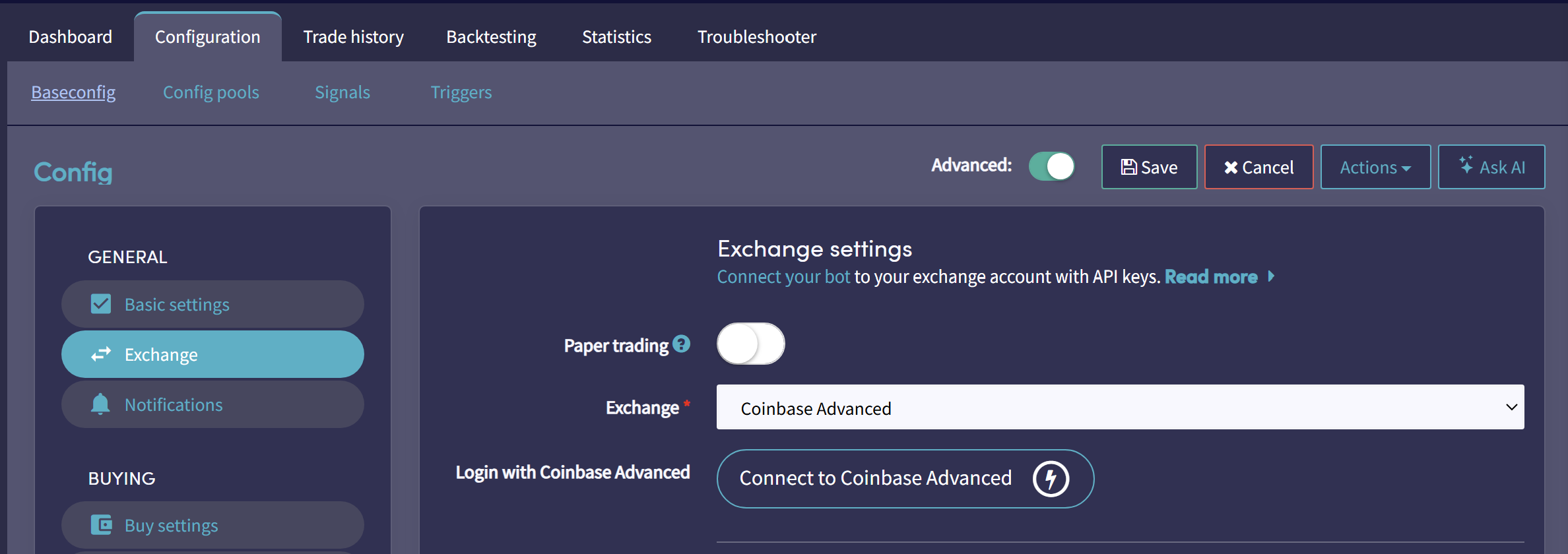
To connect your exchange, navigate to:
Bot configuration → Baseconfig → Exchange
How to select your quote currency
To select your quote currency, navigate to:
Bot configuration → Baseconfig → Coins and amounts
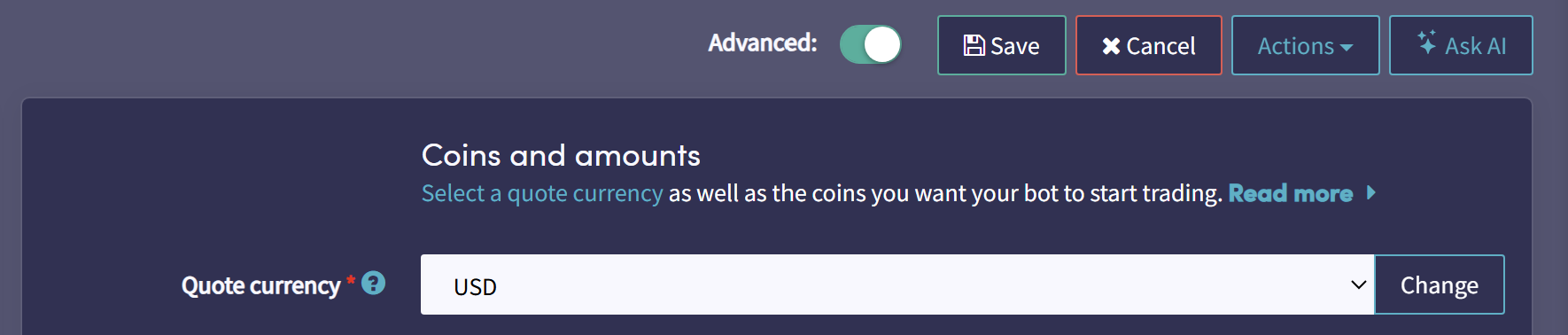
Once you choose the quote currency, select the coin pairs you want to trade for that quote currency (for example: BTC/USDT, ETH/USDT, SOL/USDT).
Paper trading (optional, recommended at first)
If you’re new, start with a paper trading account to test your setup without risking real funds. It’s the fastest way to confirm everything is connected correctly before going live.